You can use content in any format supported by your device (TV or media player).
For video content, we recommend using the H.264 standard, and for images, JPG is the preferred format. These formats provide the best balance between file size and quality, ensuring smooth playback.
 Recommended Settings for Video Conversion to H.264
- File format
- MP4
- Video codec
- H.264
- Aspect ratio
- Should match the template area
- Resolution
- 720p, 1080p, or 2160p
- Pixel shape
- Square
- Bitrate
- 5 to 50 Mbps
 Recommended Settings for Images
- Formats
- JPG, PNG, or BMP with a resolution proportional to the template area
- Color mode
- RGB
- DPI (dots per inch)
- 72
Recommended Content Resolutions
 For landscape-oriented templates
For content displayed in full-screen mode (Your Offerings or Promotions mode), use content with a resolution of 720p, 1080i, or 4K.
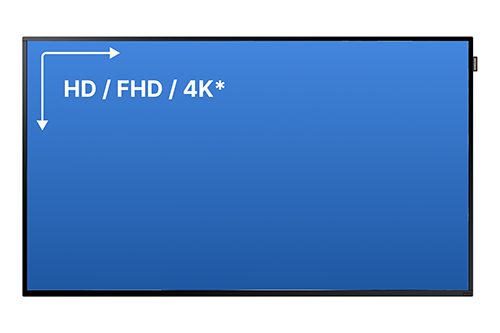
4K video playback depends on the hardware capabilities of your TV or media player.
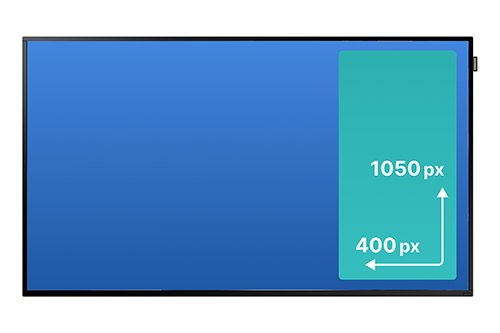
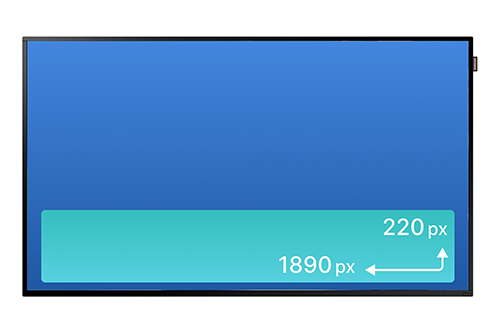
For Banners, use content with a resolution of 400×1050 px or 1890×220 px or similar proportions.
 For portrait-oriented templates
For content displayed in full-screen mode (Your Offerings or Promotions mode), use content with a resolution of 1080×1920 px or similar proportions.
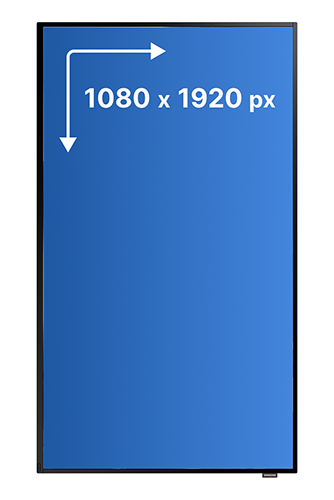
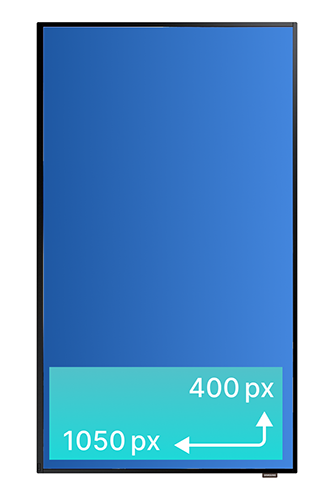
For Banners, use content with a resolution of 1050×400 px or similar proportions.