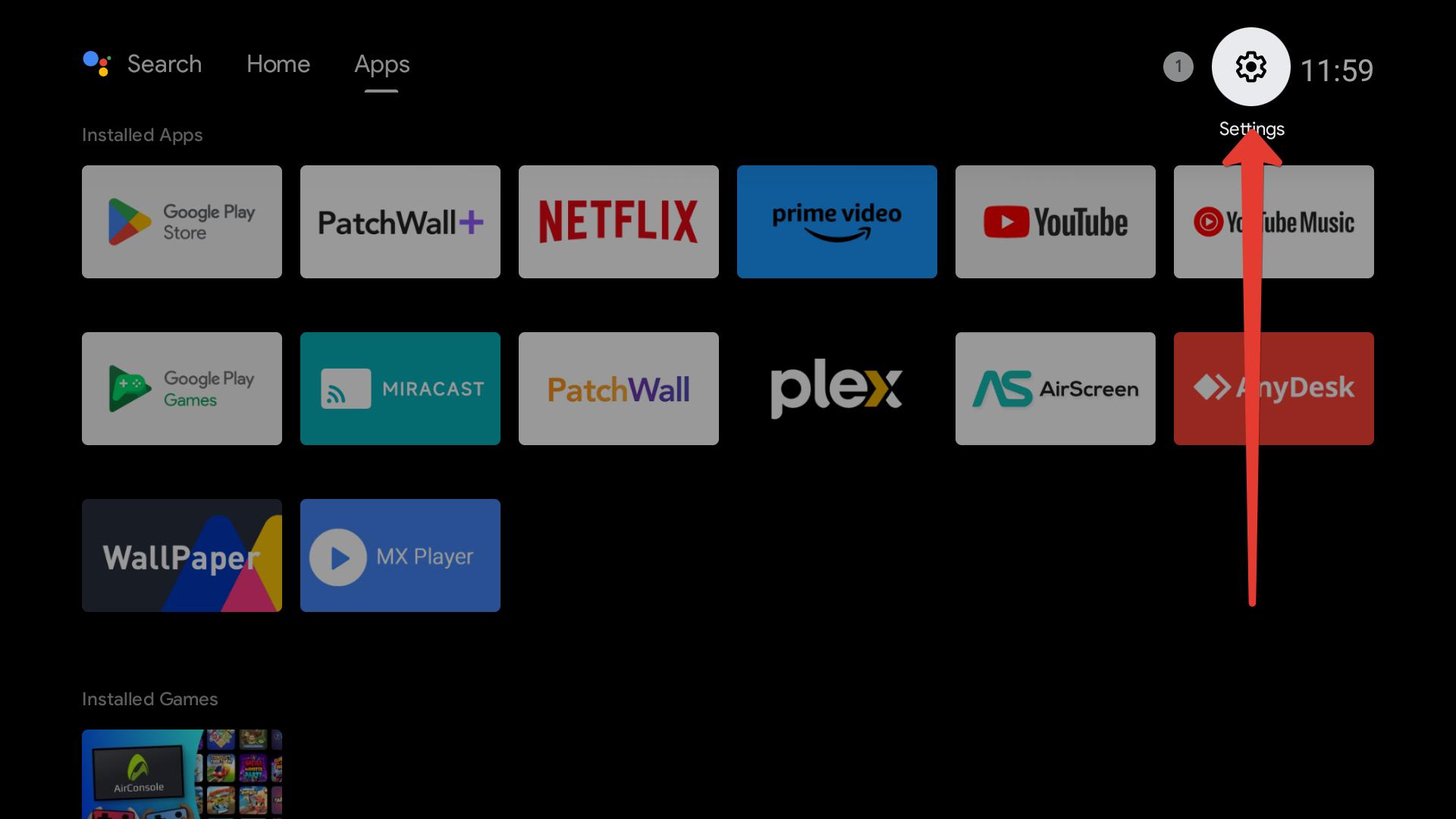
1Open Settings.
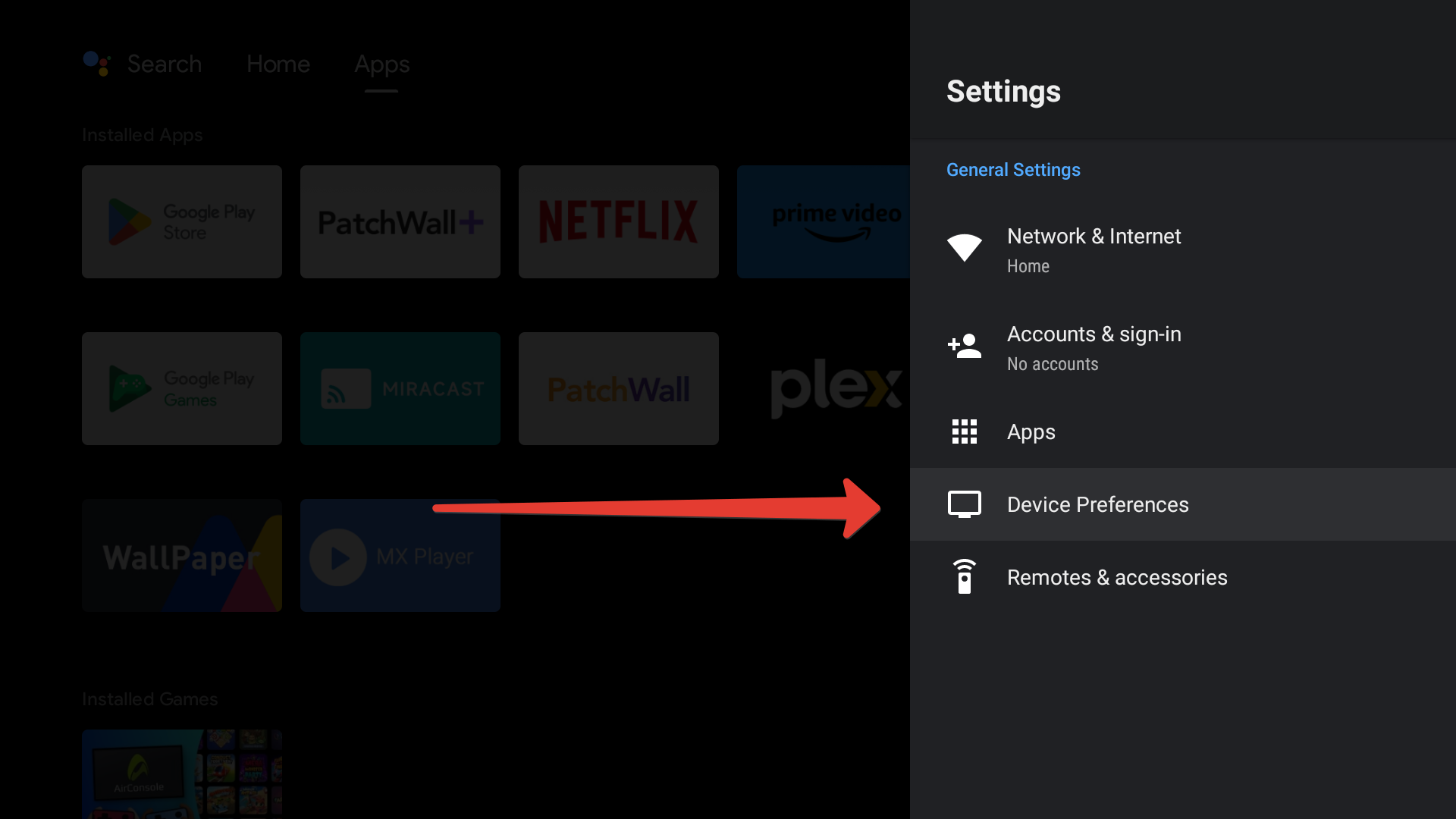
2Select Device Preferences.
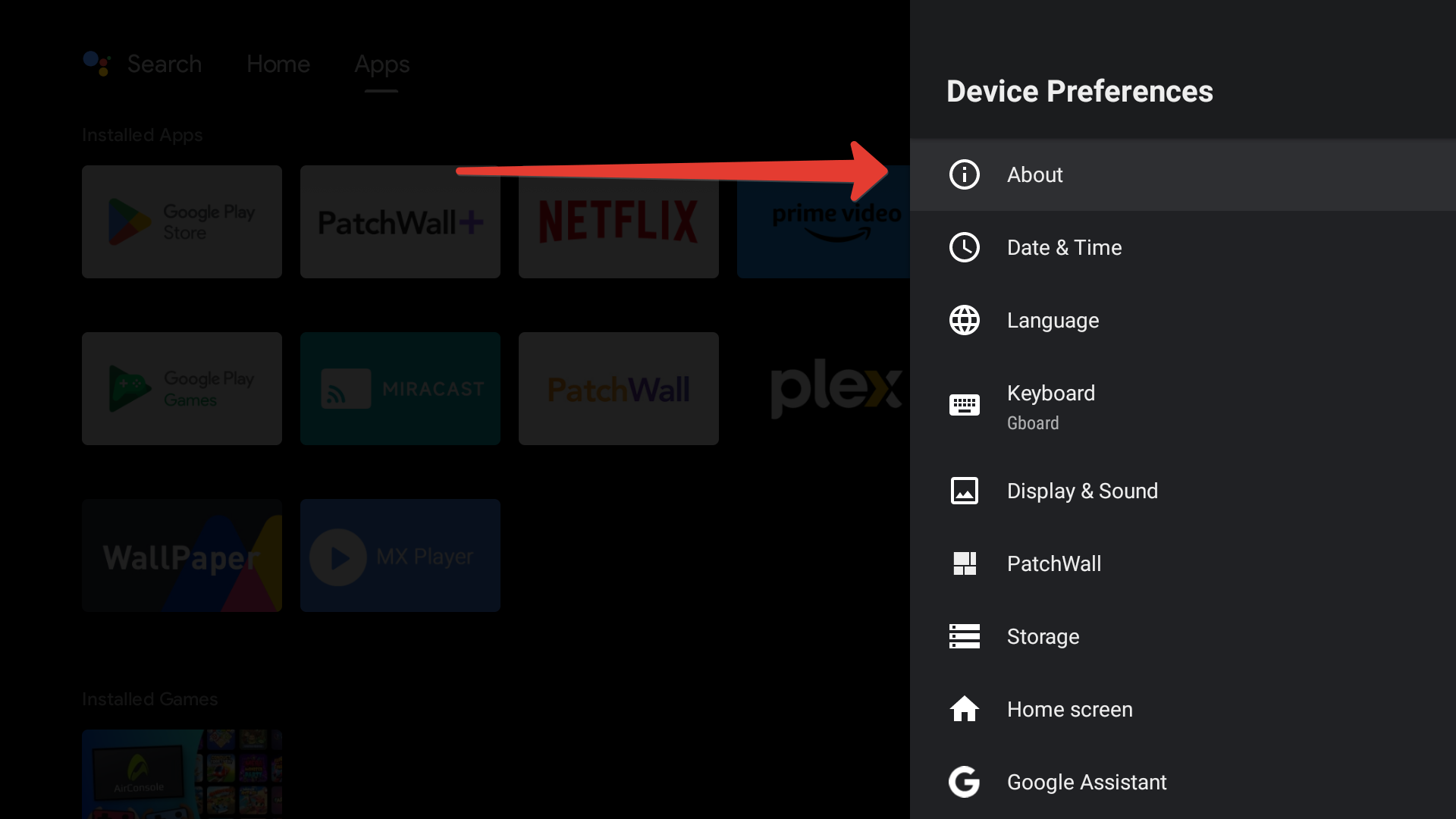
3Open About.
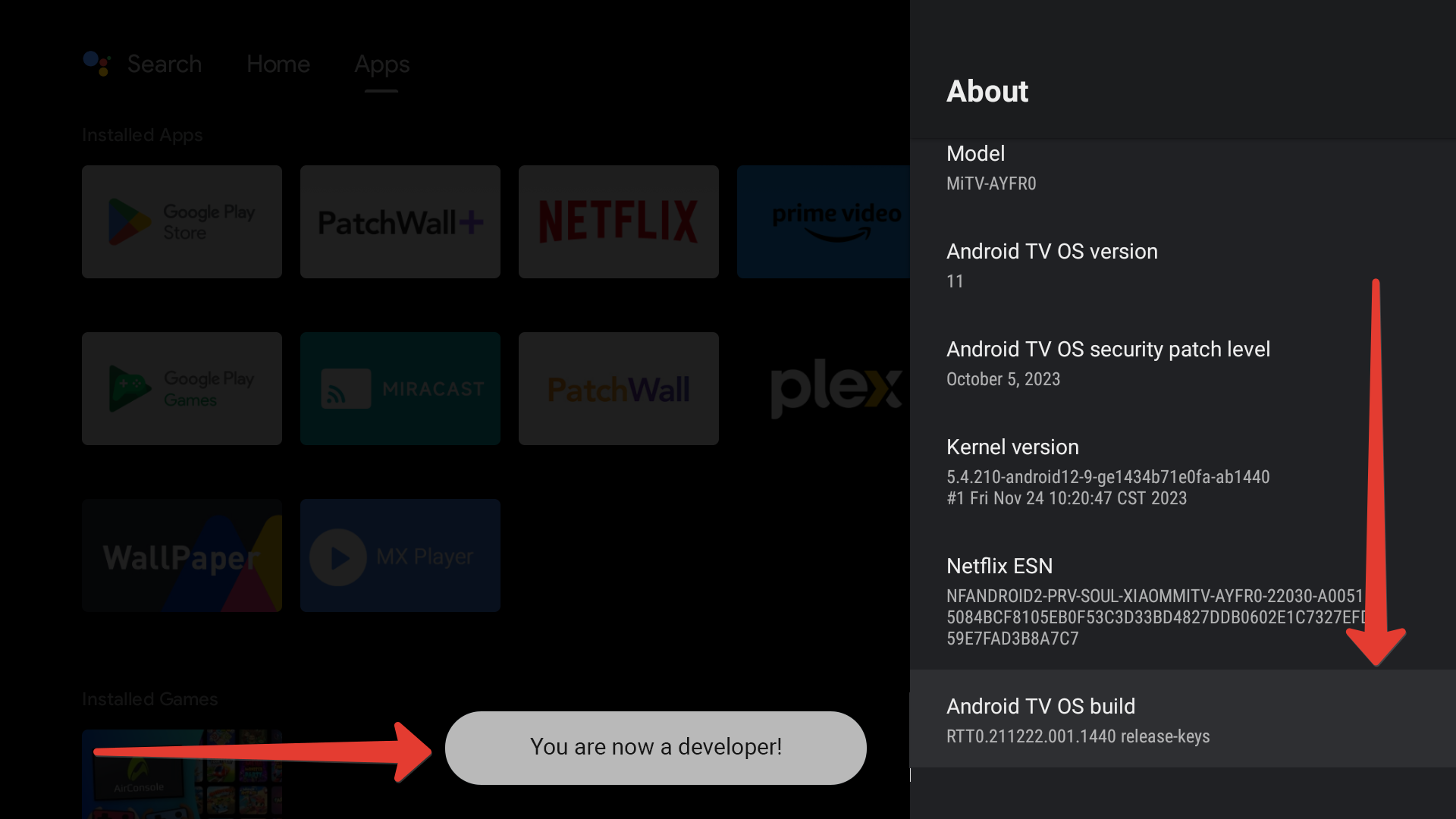
4Select the Build line and press OK on the remote several times until you see a message that developer mode is enabled.
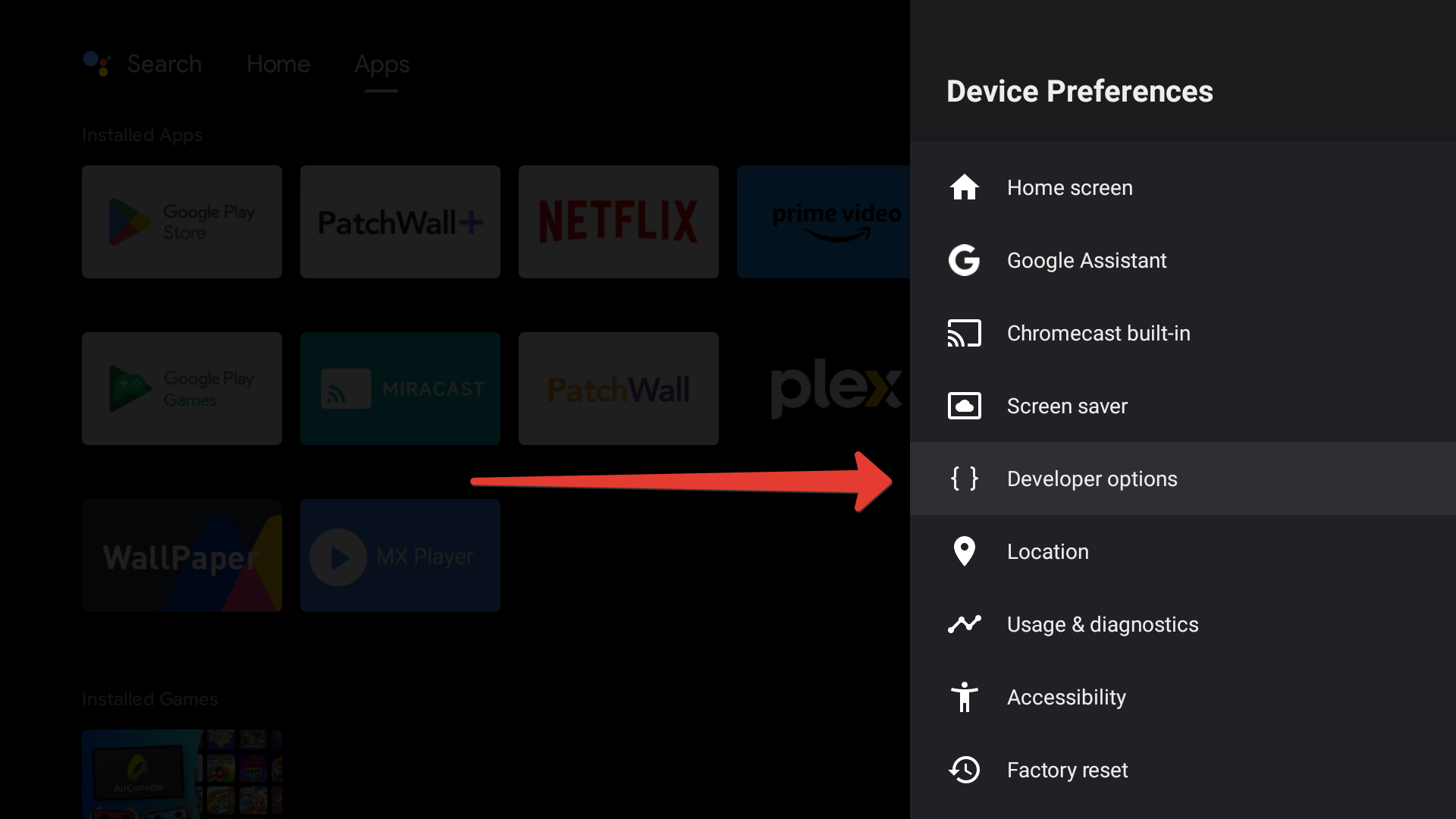
5Go back to Device Preferences and open Developer options.
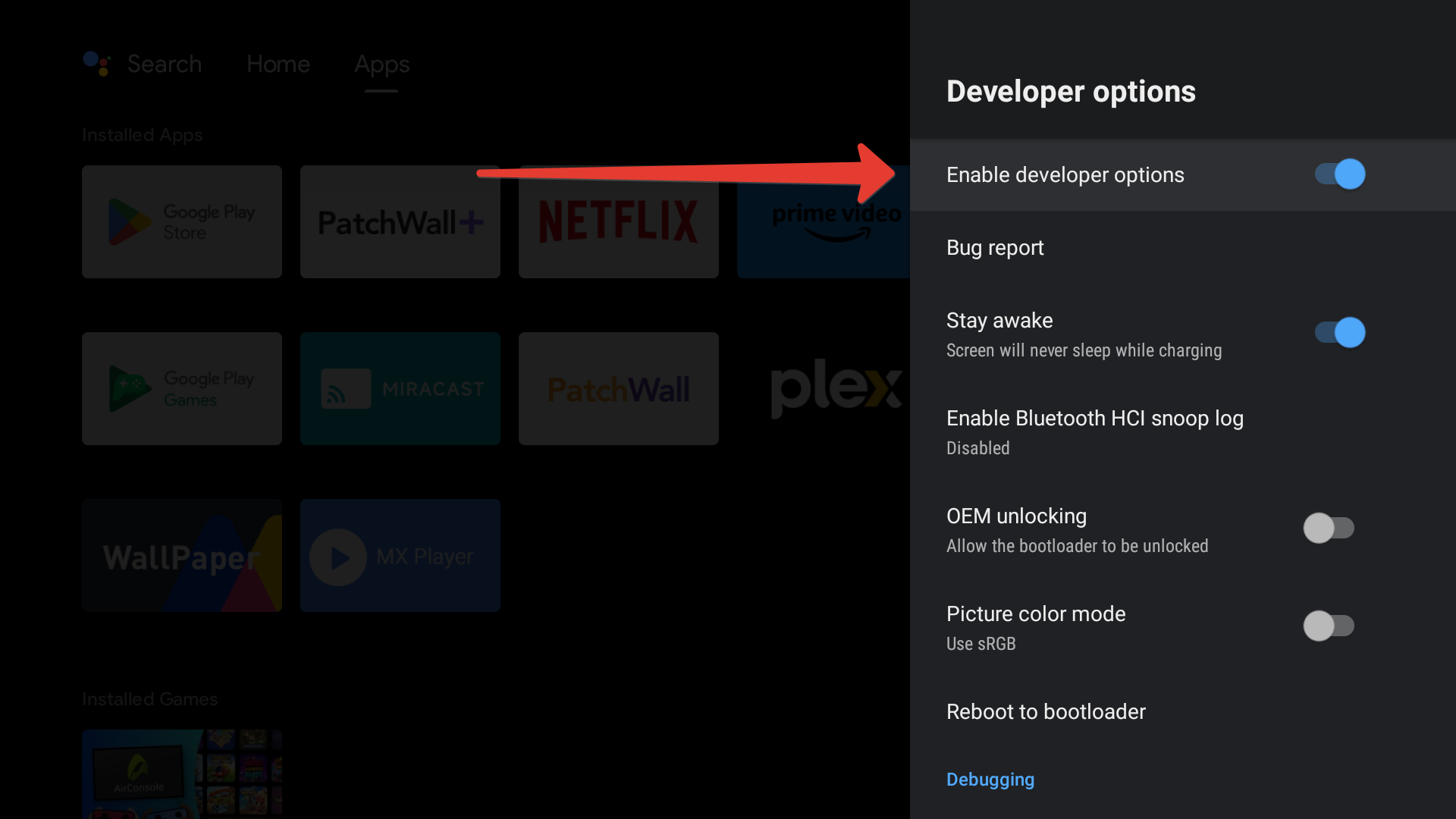
6Make sure developer mode is enabled.
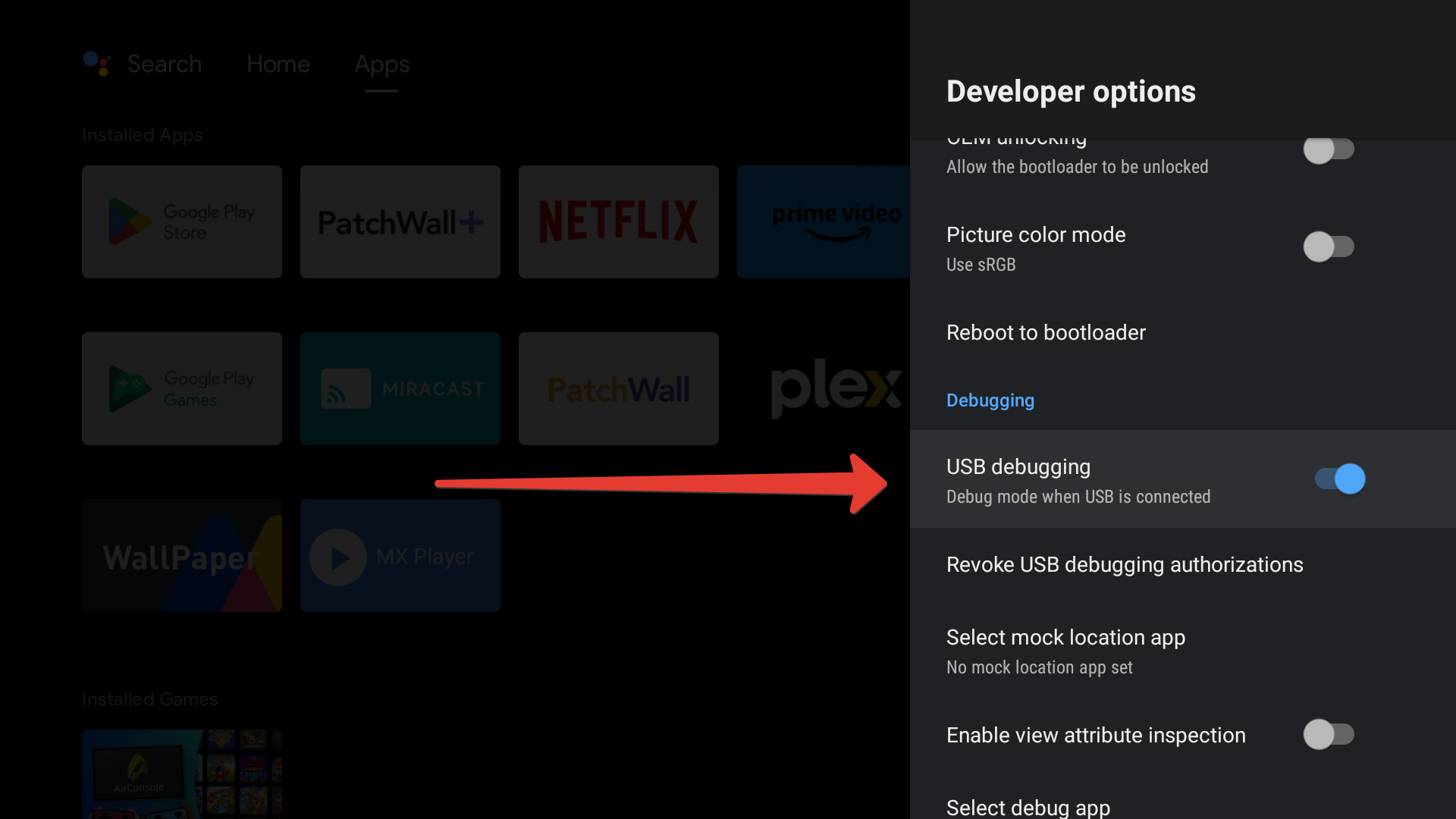
7Turn on USB debugging.
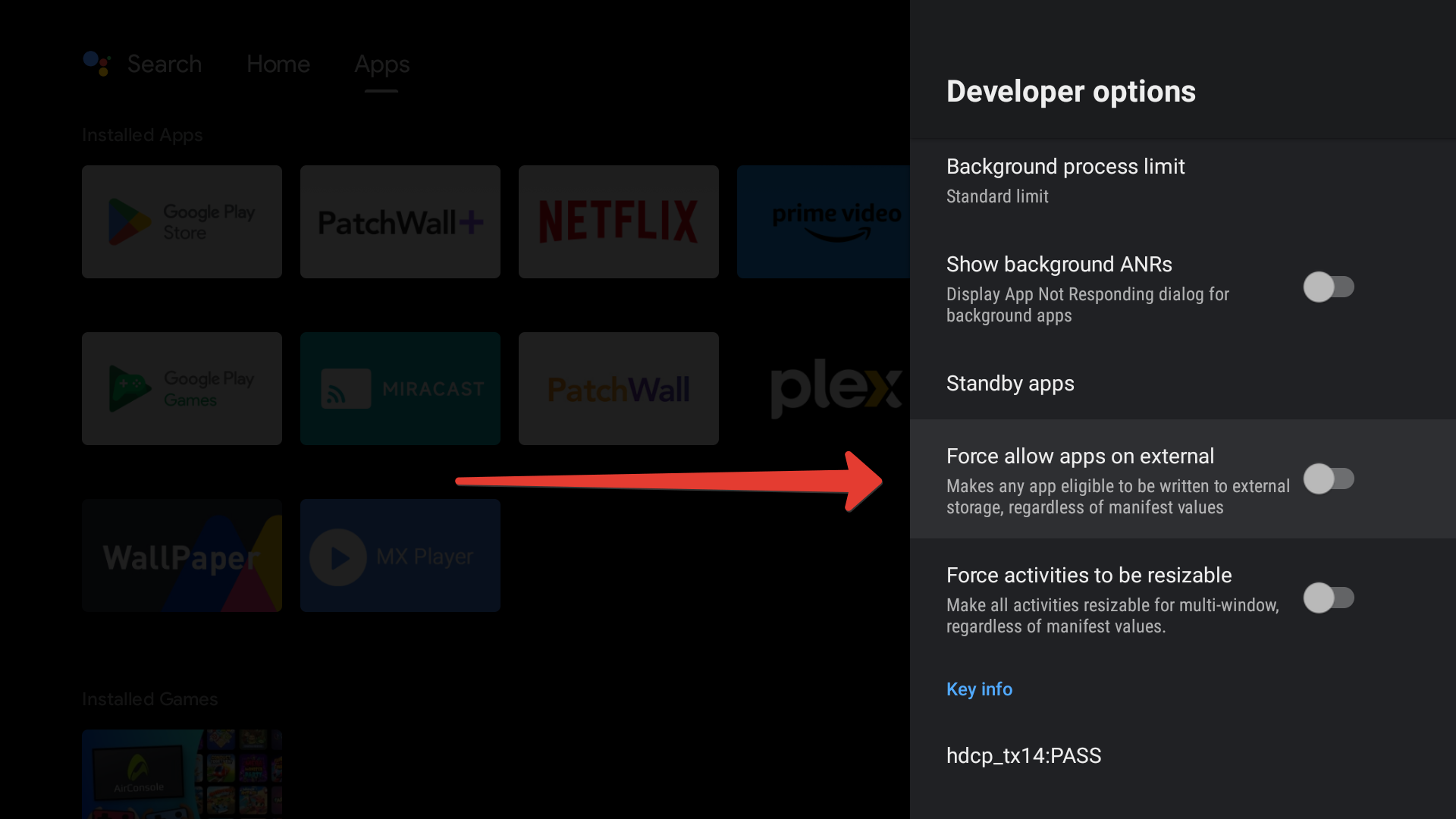
8If you plan to store content on a memory card or USB flash drive, turn on allow storage on external media.