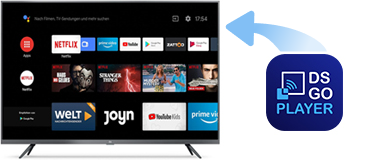
To play content published through the DS-GO app, install the DS-GO TV Player app on your TV or TV box:
- Open the Play Store or Amazon Appstore (depending on your device).
- Search for DS-GO TV Player.
- Click Install.
You can also use the direct links below:


After installing the DS-GO TV Player on your Android device, the app might prompt you to enable Accessibility Mode. This setting is optional, but we recommend enabling it. It helps DS-GO TV Player automatically launch every time your TV or TV box is powered on.